Multi-Device IPTV Guide (2026): How to Stream on Multiple Screens Simultaneously Without Buffering
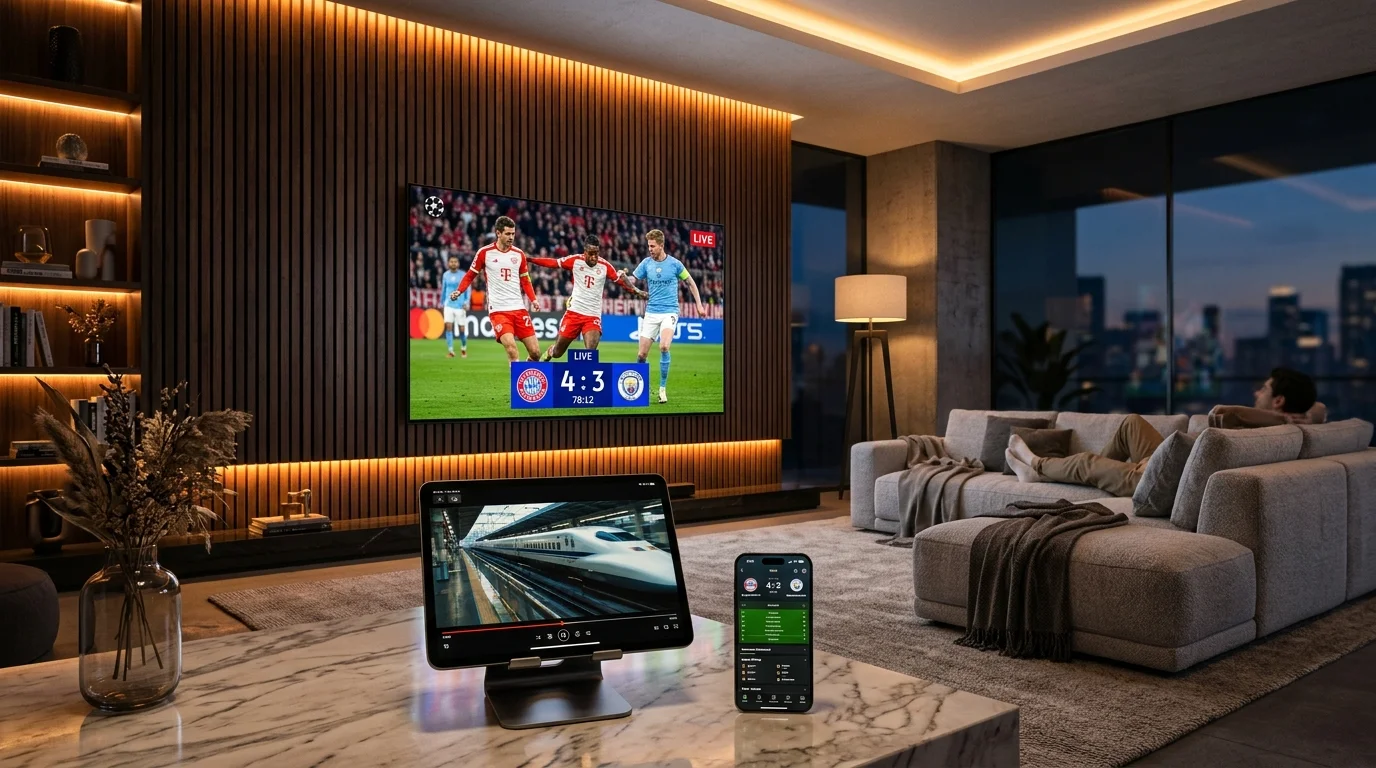
In the average modern household, television viewing is rarely a solitary experience. On any given weekend evening, one person is tuned into live Premier League football on the main living room OLED TV, teenagers are streaming blockbuster action movies on an iPad in the bedroom, and another family member is catching up on international news on a kitchen tablet. With standard single-connection IPTV subscriptions, this scenario triggers immediate playback errors and connection drops.
Multi-device IPTV subscriptions solve this fundamental challenge by granting multiple concurrent session tokens under a single unified account. In this comprehensive guide, we examine how simultaneous multi-screen streaming works, how to calculate your home network's bandwidth headroom, and how to optimize your Wi-Fi router to prevent buffering when multiple 4K streams run concurrently.
How Multi-Device IPTV Licensing Works
When you authenticate with an IPTV server via Xtream Codes API or M3U, the provider's billing and stream distribution system monitors active socket connections. On a single-device plan, the server enforces a strict limit: the moment a second stream request is received, the server will either reject the new connection with a 403 Forbidden error or instantly terminate the first stream.
With a multi-device subscription (such as the 2 Devices and 3 Devices options offered by Golden IPTV Pro), the authentication gateway allocates multiple independent session slots. Each device can stream an entirely different live channel, on-demand movie, or sports pay-per-view broadcast with full independent playback controls, separate audio tracks, and distinct EPG schedules.

Bandwidth Requirements for Multi-Screen 4K Streaming
Streaming multiple high-bitrate video feeds simultaneously places substantial demands on your local internet connection. Calculating your household bandwidth requirements ensures that simultaneous streams never compete for scarce data packets.
- •1 Active 4K Stream: Requires 25 to 30 Mbps of consistent, unthrottled downstream bandwidth.
- •2 Simultaneous 4K Streams: Requires a minimum of 55 to 60 Mbps of steady bandwidth to account for network jitter and TCP packet overhead.
- •3 Simultaneous Streams (2x 4K + 1x FHD): Requires 80 to 100 Mbps of dedicated internet speed.
- •Buffer Headroom Rule: Always maintain at least a 30% speed buffer above your theoretical streaming consumption to accommodate background smart home devices, downloads, and mobile browsing.
Configuring Quality of Service (QoS) on Your Router
Even on gigabit fiber connections, micro-stutters can occur if another device on your network initiates a large game update or cloud backup while multiple IPTV streams are active. You can completely eliminate this by enabling Quality of Service (QoS) in your home Wi-Fi router settings.
Log into your router's admin portal (typically accessible via 192.168.1.1 or 192.168.0.1) and locate the QoS or Traffic Prioritization tab. Assign highest priority to the MAC addresses of your primary streaming hardware (such as your Apple TV 4K or Amazon Fire TV Stick 4K Max). This ensures that real-time video packets always take precedence over non-time-sensitive data traffic.
Setting Up Multi-Device Playlists on Different Hardware
The beauty of multi-device IPTV is that you do not need identical hardware in every room. You can mix and match operating systems seamlessly:
- •Living Room: Amazon Fire TV Stick 4K Max or Nvidia Shield TV running TiviMate Premium for an authentic, responsive cable-style EPG interface.
- •Master Bedroom: Apple TV 4K or Smart TV running GSE Smart IPTV or IPTV Smarters Pro with personalized favorites lists.
- •Kids Room / Office: Google Chromecast with Google TV running XCIPTV Player with active parental controls enabled.
- •Mobile & Travel: iPhone, iPad, or Android smartphone running Smarters Pro for portable streaming over mobile data.
Frequently Asked Questions About Multi-Device IPTV
Do all devices need to be on the same Wi-Fi network? Golden IPTV Pro does not enforce strict IP locking on multi-device subscriptions. You can have one stream running on your home living room TV while another family member streams on their mobile phone while traveling.
Can I upgrade my 1-device plan to a 2-device or 3-device plan later? Yes. You can upgrade your connection tier at any point through the customer portal or by reaching out to our 24/7 support team.
Does streaming on 3 devices increase my subscription cost by 3x? Not at all. On Golden IPTV Pro, multi-device plans offer steep multi-screen discounts, costing only a fraction more than a single-device plan.